
Why we are the right choice for your IT security
Email access locked down properly
We focus on the accounts that cause the biggest disruption when they are exposed. Your email and Microsoft 365 access gets set up with security in mind from the start.
On-site help when needed
Some issues are easier to solve in front of the machine than over a long chain of messages. We can attend in person to find faults and get you working again sooner.
Practical advice, not jargon
We explain what needs changing and why it matters. That gives you clearer control over your accounts, devices, and day-to-day access.
Secure account access without the usual headaches
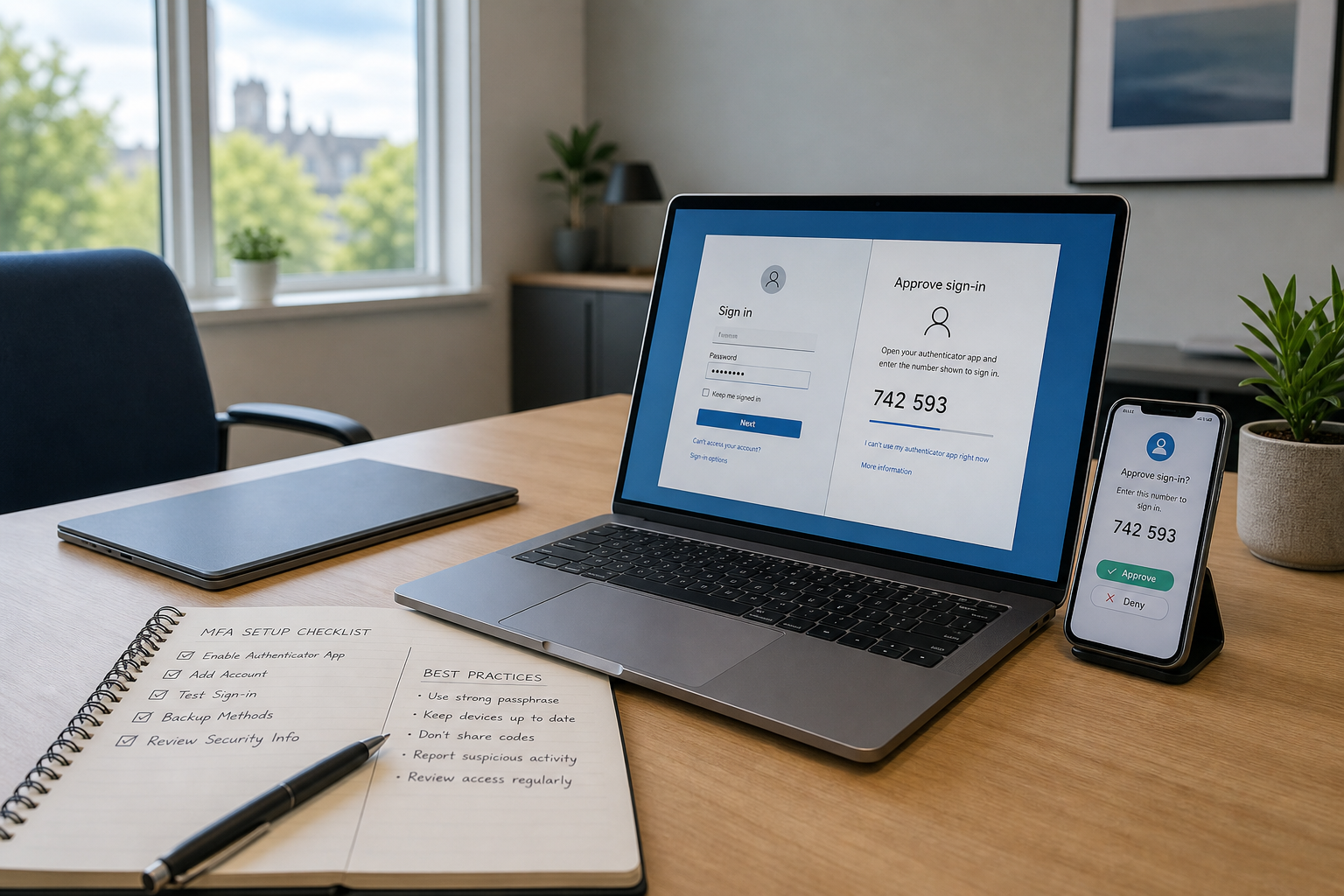
We set up two factor authentication to make it much harder for the wrong person to get into your key accounts, especially email and Microsoft 365. Back Office IT Ltd helps you tighten access without turning the whole thing into a technical marathon. That matters when one compromised inbox can lock you out of customer messages, invoices, and shared files before your day has properly started. We look at how you sign in, where weak points sit, and what needs changing to keep things simple for your staff. If licensing or Office 365 settings are getting in the way, we sort through the practical side and explain your options in plain English. The aim is straightforward security that keeps your business moving instead of leaving you wrestling with codes, prompts, and guesswork.
Support that fixes the wider security picture
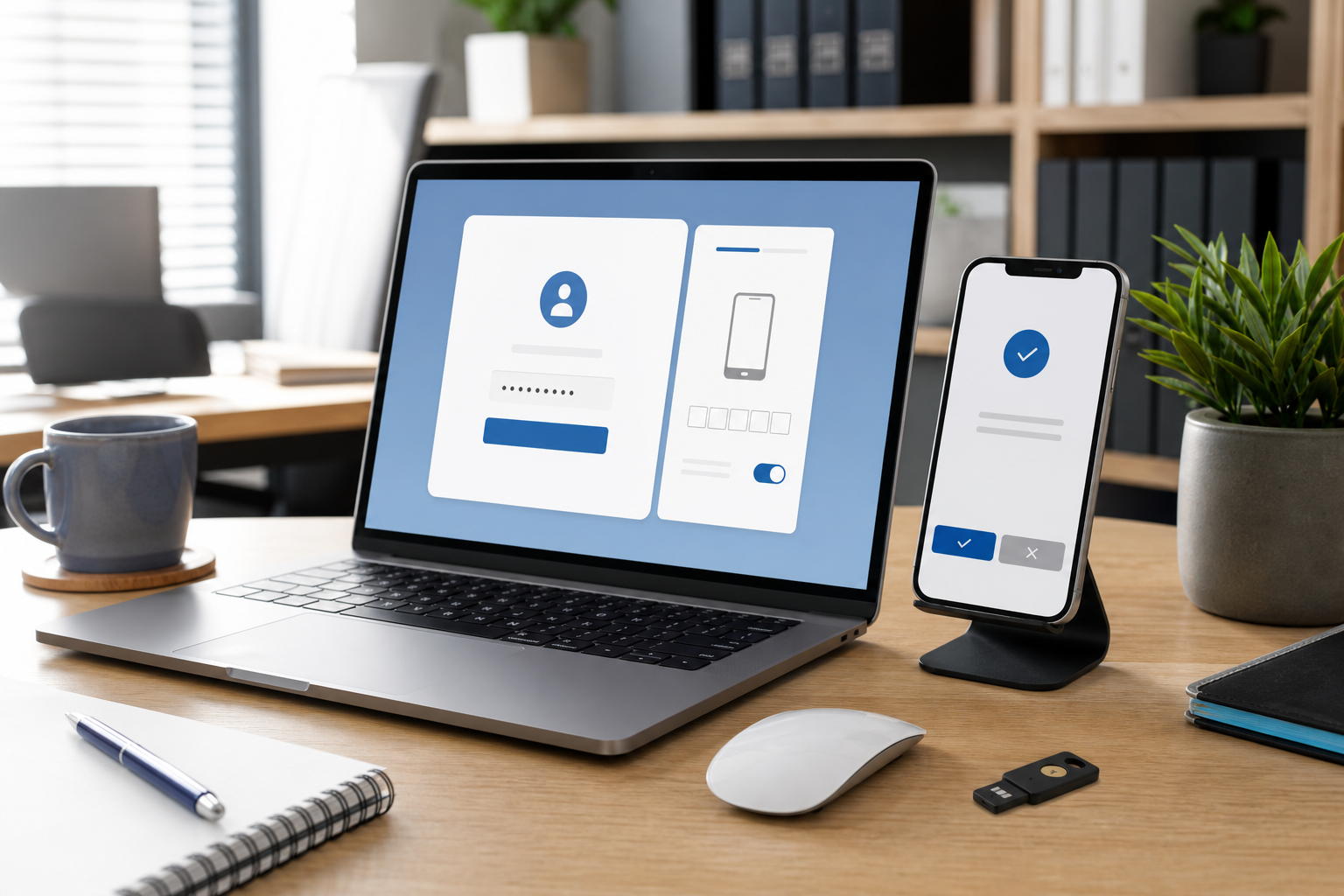
Our help doesn't stop at adding an extra sign-in step. Back Office IT Ltd can review server and network settings when security problems are tied to bigger configuration issues or a rushed recovery after downtime. If a computer or laptop fault looks suspicious, we can attend on site, trace the cause, and deal with it in a cost-conscious way. We also give practical advice on managing email access more safely, which is especially useful if you have compliance responsibilities hanging over you. That way, you're not just patched up for today, you're better prepared for tomorrow as well.
Frequently asked questions
What does two factor authentication actually do?
Two factor authentication adds a second step to your sign-in, usually through an app, code, or device approval. It helps protect your account even if your password has been guessed, reused, or stolen.
Can you help if Microsoft 365 security settings are confusing?
Yes. We can help you work through Microsoft 365 and Office 365 settings that affect account access, licensing, and security, then explain the options in plain language so you know what's enabled and why.
Is two factor authentication useful for small businesses?
Yes, especially if you rely on email for customer contact, payments, or file sharing. A small business can be hit hard by one compromised account, so an extra sign-in layer is often a sensible step.