
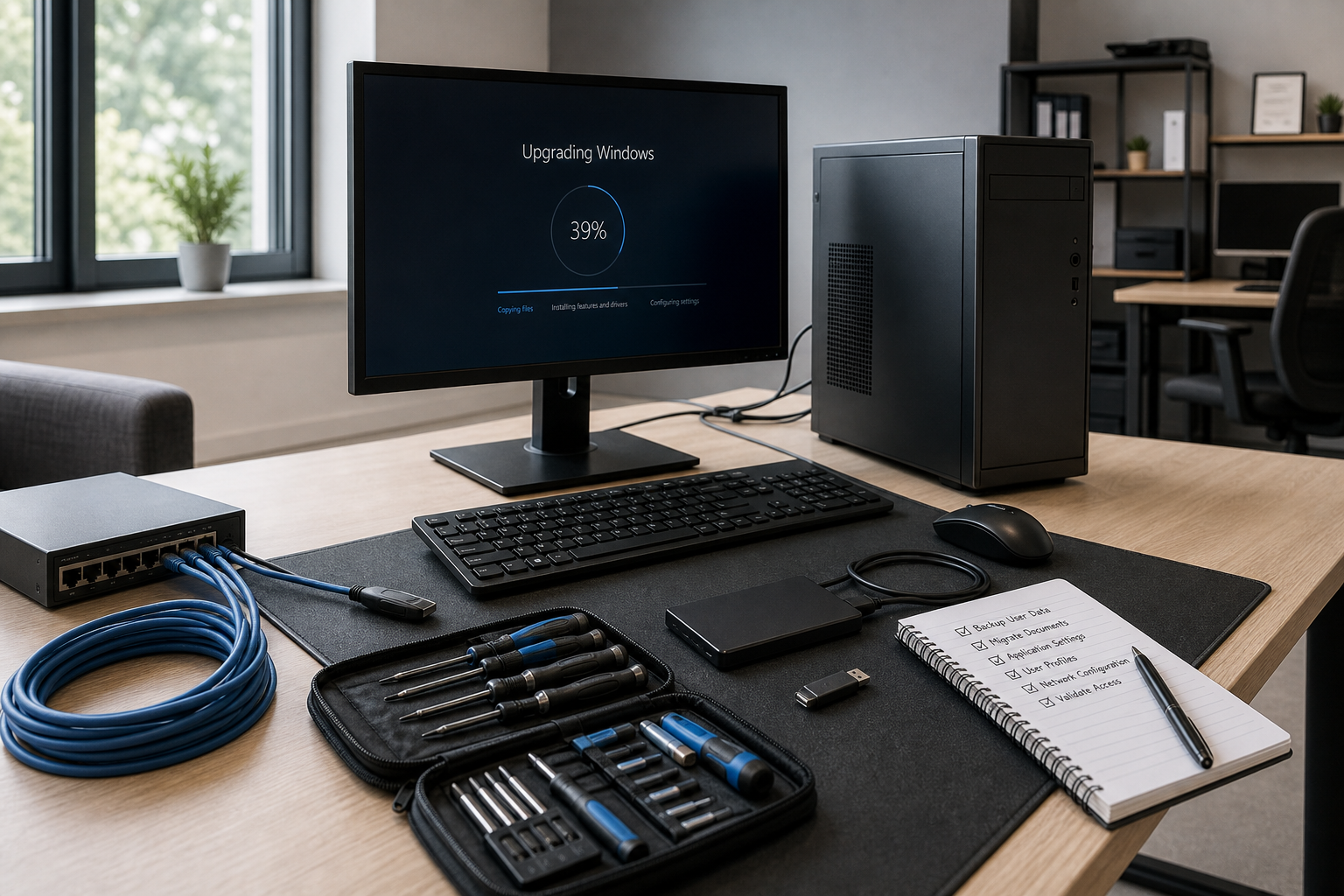
The difference you'll notice straight away
On-site problem solving
We come to you when a Windows change has stopped work in its tracks. That makes fault-finding quicker when the issue involves your full setup, not just one screen.
Honest upgrade advice
We won't push an upgrade if your machine is past the point of sense. You'll get a plain answer on when replacement is the smarter spend.
Support beyond the PC
We look at the knock-on effect on servers and networks, not only the device in front of you. That matters when one Windows change causes trouble across your working day.
Make your Windows change less painful
A Windows upgrade should make your computer more useful, not leave you staring at error messages and missing files. We help you work through Windows upgrade problems with practical support for PCs and laptops, so you can get back to normal without the usual faff. We can visit on site to find faults that show up during or after the change, from failed updates to machines that suddenly stop talking to printers, email, or shared folders. If the upgrade has knocked your wider setup out of shape, we can also sort the server and network side to bring everything back into line. There are times when an older machine is simply not worth dragging uphill, and we'll tell you plainly when hardware replacement makes better sense than another upgrade attempt. That way, you understand what is changing, why it matters, and where your money is best spent.
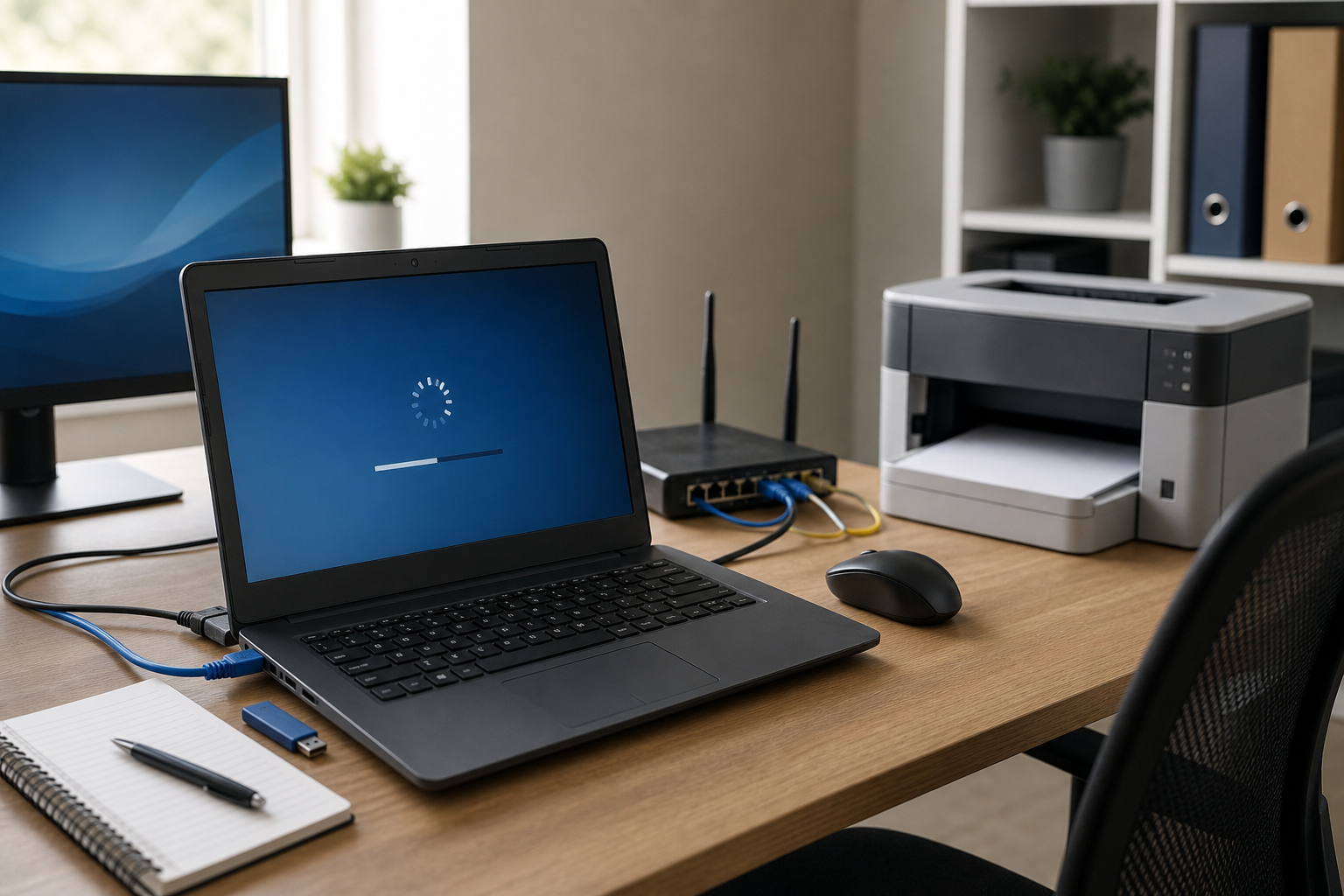
Practical help when an upgrade causes knock-on problems
Your setup can go sideways in small but maddening ways after a Windows change, like software refusing to open, user accounts losing access, or laptops dropping off the network. We take a reactive approach, checking what changed and what that has affected before we start putting it right. Back Office IT Ltd keeps the advice clear and grounded, so you're not left guessing whether the issue sits with the operating system, the machine itself, or the wider connection between devices. If your current computer is struggling with the demands of a newer system, we'll explain the trade-off between repair, reconfiguration, and replacement in plain terms. It's straightforward IT support, delivered with a cool head and a bit of common sense.
Frequently asked questions
What if my computer starts having problems after a Windows upgrade?
We can diagnose faults that appear during or after the change and work through the cause on your PC or laptop. If the issue also affects your wider setup, we can check the network or server side as part of getting you running normally again.
How do I know if I should upgrade Windows or replace the computer?
That depends on the age of the machine, how well it handles current tasks, and whether the upgrade is likely to create more disruption than value. We explain the practical pros and cons in plain language, so you can make a cost-conscious decision.
Can you help if a Windows migration affects shared access or network settings?
Yes. We can investigate problems caused by a migration where devices, shared folders, user permissions, or connected systems stop working as expected. That includes reconfiguration work where the operating system change has affected how your setup communicates.