
What makes the whole process feel less of a headache
Advice before you buy
We look at the fault first. You get guidance based on what is actually going wrong, not guesswork.
Licensing explained clearly
We flag up Microsoft licensing and Office 365 points early. That helps you avoid awkward surprises after purchase.
Support beyond the hardware
We can install your replacement as part of a wider fix. Your new setup works better when it's matched to the network, server, and day-to-day use.
Choosing the right replacement without wasting money
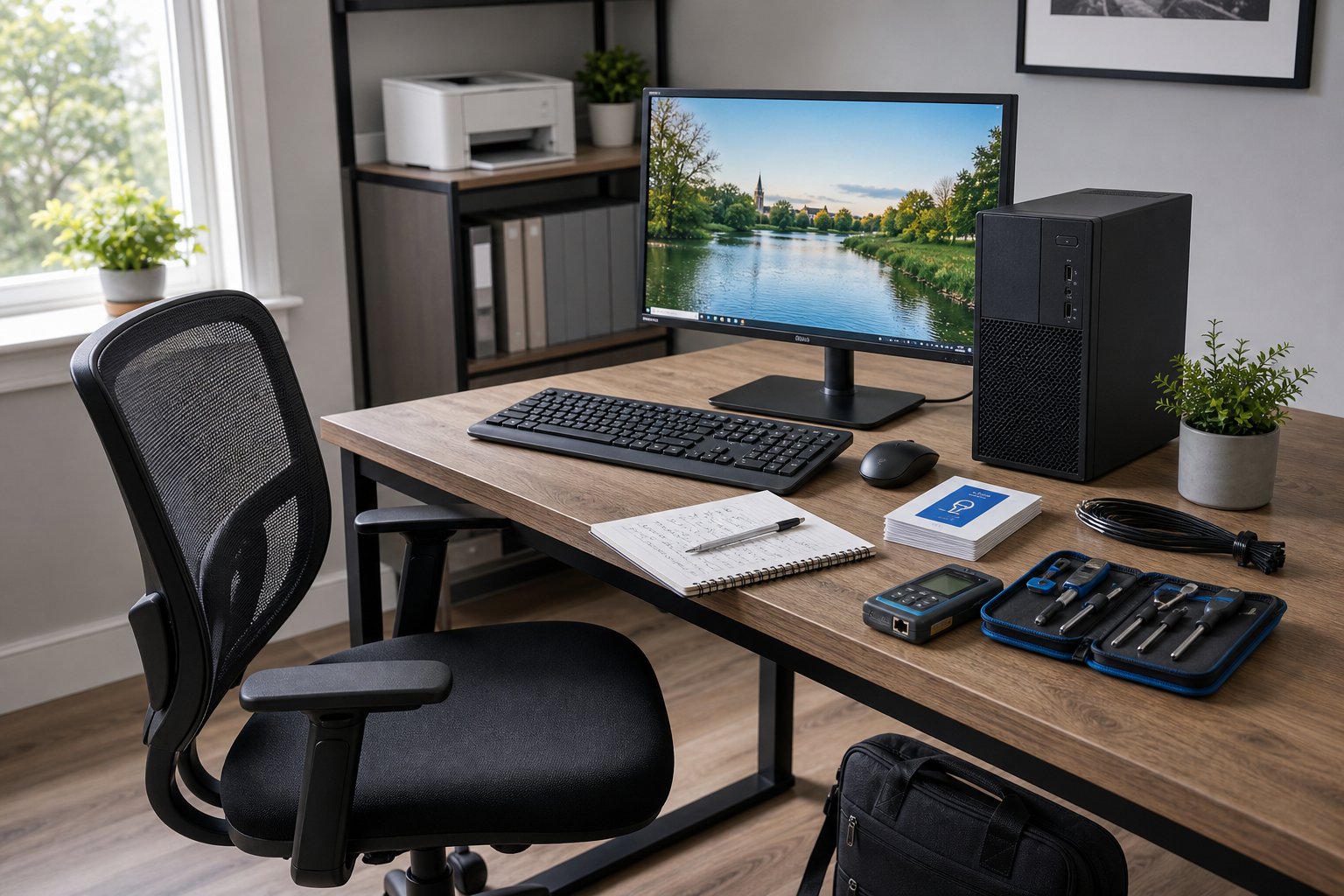
A new PC should solve the problem, not add another one, and that's why we start with the fault before talking about replacements. Back Office IT Ltd helps you work out if slow performance, repeated crashes, ageing parts, or email issues point to hardware replacement or a more straightforward repair. That matters because buying the wrong machine can leave you paying for power you don't need, or missing features your work depends on. We also give practical advice on how your choice affects Microsoft licensing and Office 365, which is often the bit that catches people out later. If your current setup has become unreliable, we can guide you towards hardware that fits the way you actually use it each day. The result is a clearer decision, less guesswork, and a machine that gets you properly back up and running.
Hardware that fits the wider fix
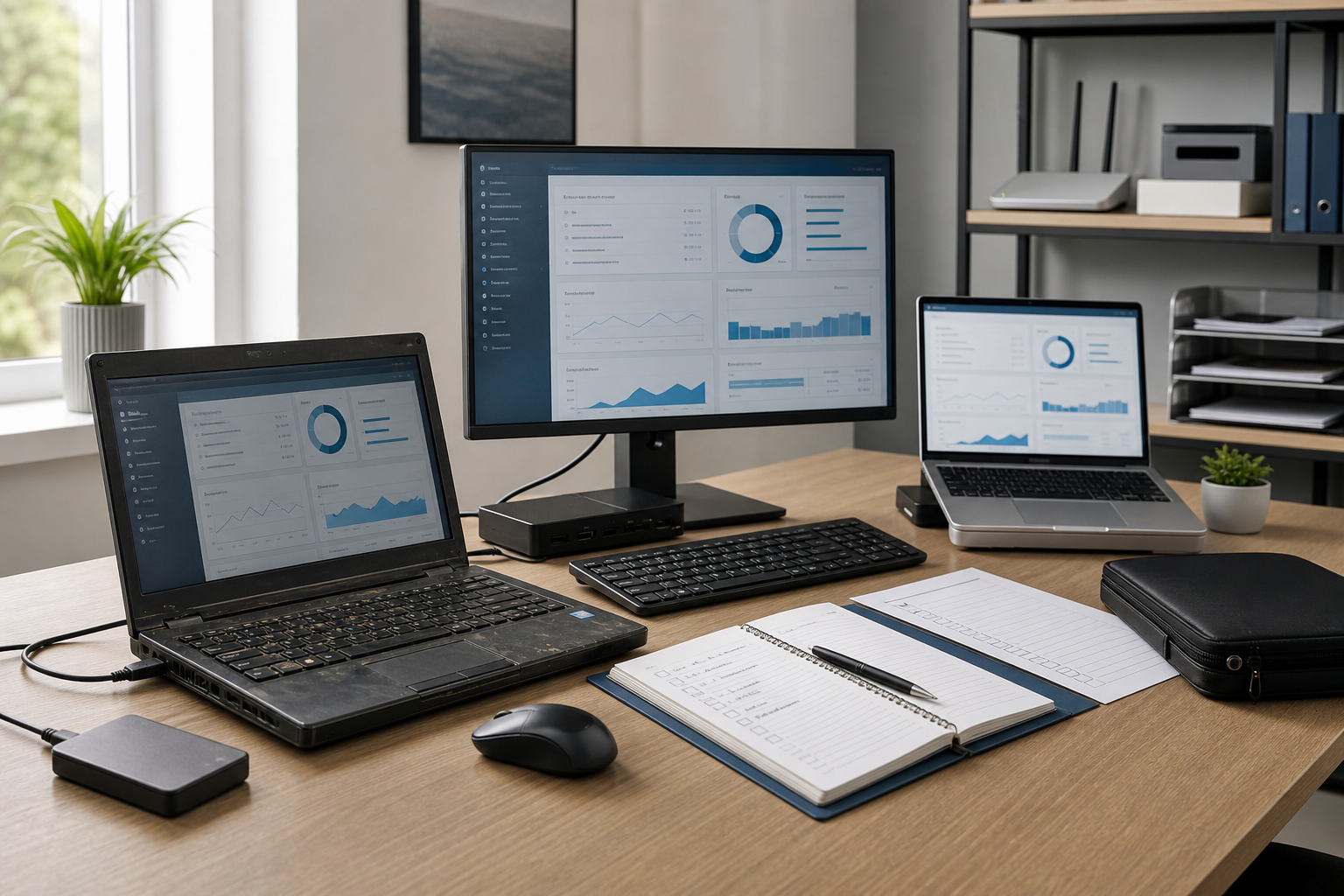
Sometimes the real job doesn't stop at the box on your desk. Back Office IT Ltd can combine hardware supply with on-site call-outs and fault-finding, so your replacement kit fits the cause of the problem instead of masking it for a week or two. For business customers, we can also tie a new machine into server and network reconfiguration where needed, helping restore normal working with less disruption. That could mean replacing an outdated office PC after a fault, then reconnecting it properly to shared systems and email. It's a practical approach that keeps you from replacing parts unnecessarily and helps your new setup earn its keep from day one.
Frequently asked questions
How do you know if a new PC is better than repairing your current one?
We assess the fault, the age of the machine, and how you use it before advising on replacement. If a repair makes more sense, we'd rather point you that way than suggest hardware you don't need.
Can you help with Microsoft licensing when you buy a new computer?
Yes, we can advise on how a hardware change may affect your Microsoft licensing and Office 365 setup. That's especially useful if your email, accounts, or user access need to move cleanly to the new machine.
Can a new PC be set up as part of a bigger office IT fix?
Yes, if the problem involves more than one device, we can combine hardware supply with on-site support. We can also help reconnect the replacement machine to your wider network or server setup where needed.